Do I need a Mac?
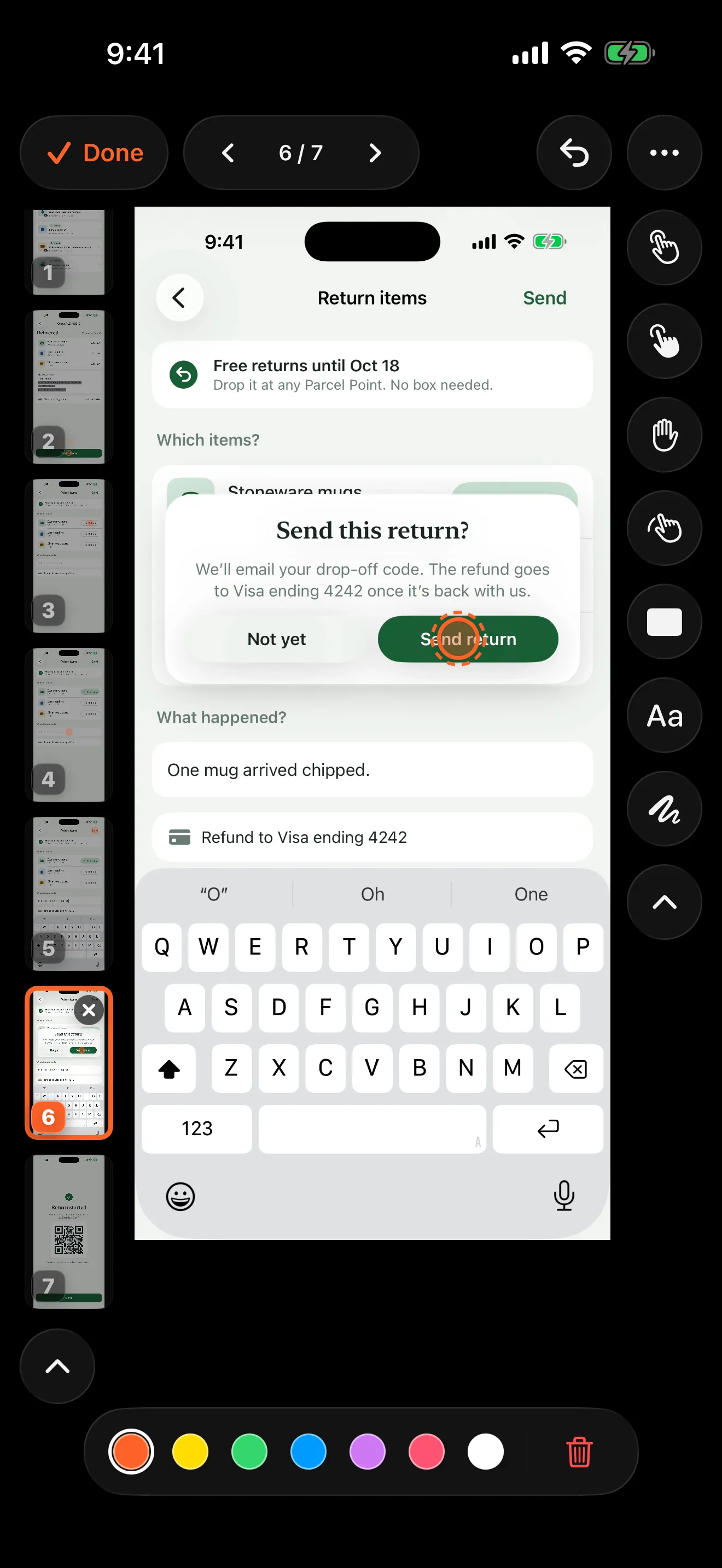
No. Walkthru records, finds the steps, annotates and exports on the iPhone or iPad itself. The best-known documentation tools were built to watch desktop clicks: on a phone, Scribe works from screenshots you upload, and Tango does not capture phone workflows at all. Walkthru keeps the whole job on the device.
Where does my recording go?
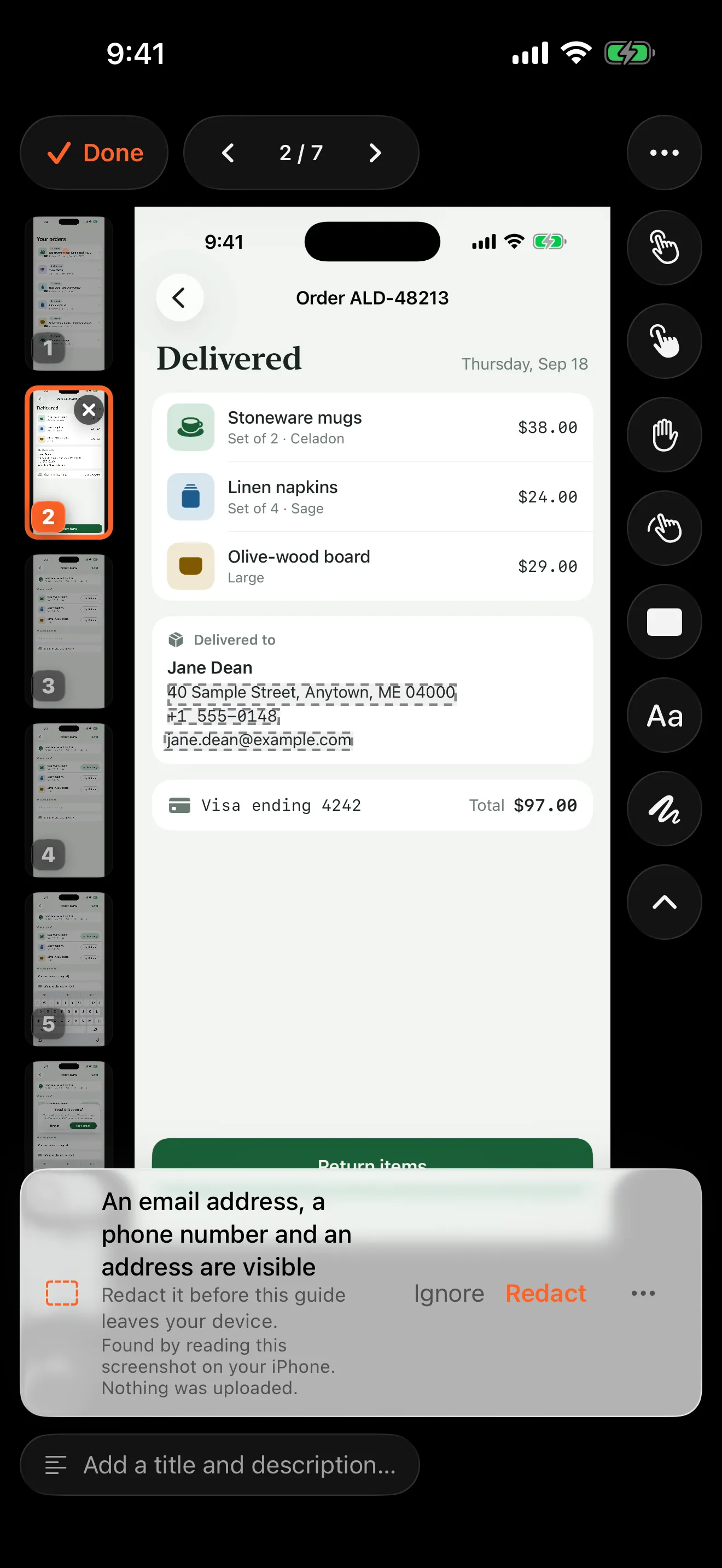
Nowhere. Walkthru has no account system and no server, so there is no address it could send a recording to. Step detection, text reading, redaction and export all run on the device. You can check this: turn on Airplane Mode and the app works exactly the same.
Can I import screenshots instead of a recording?
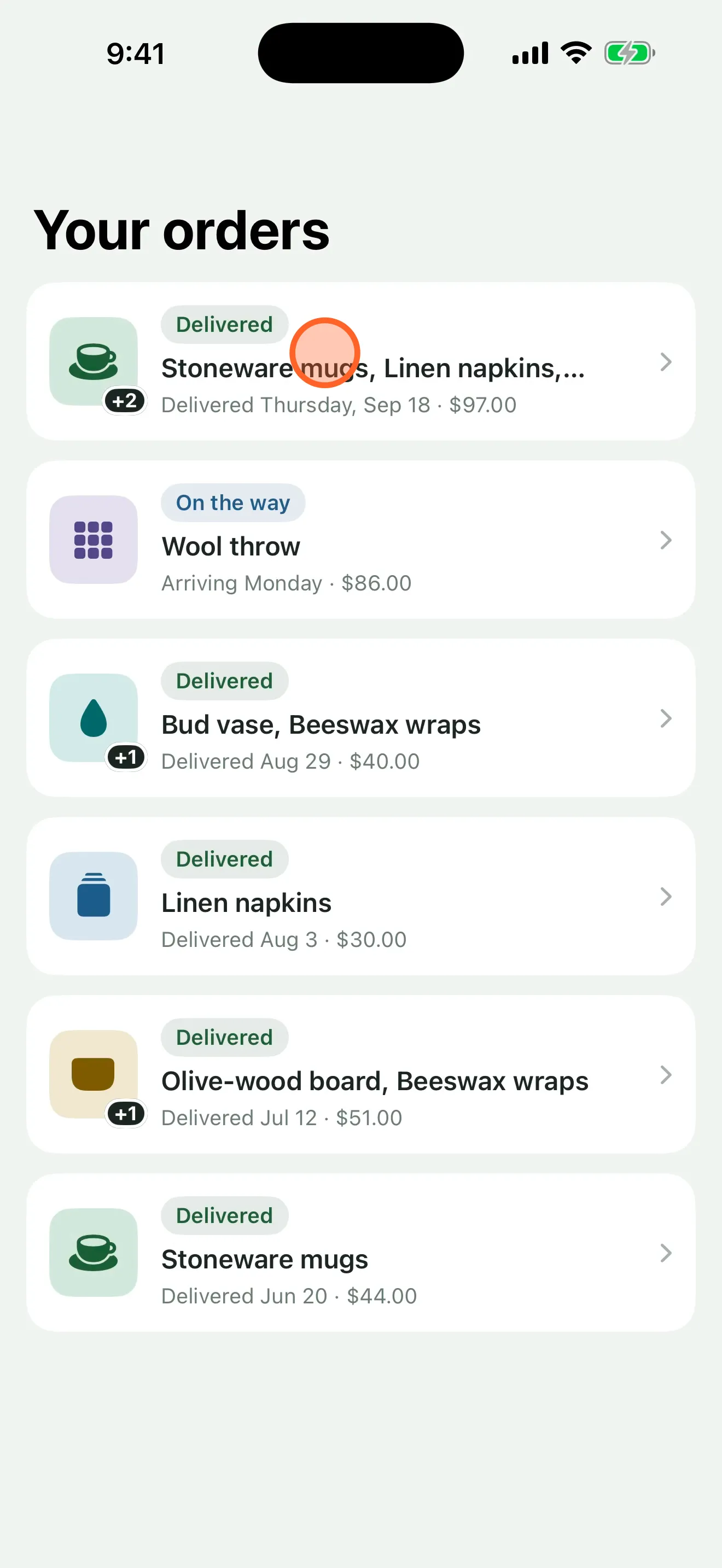
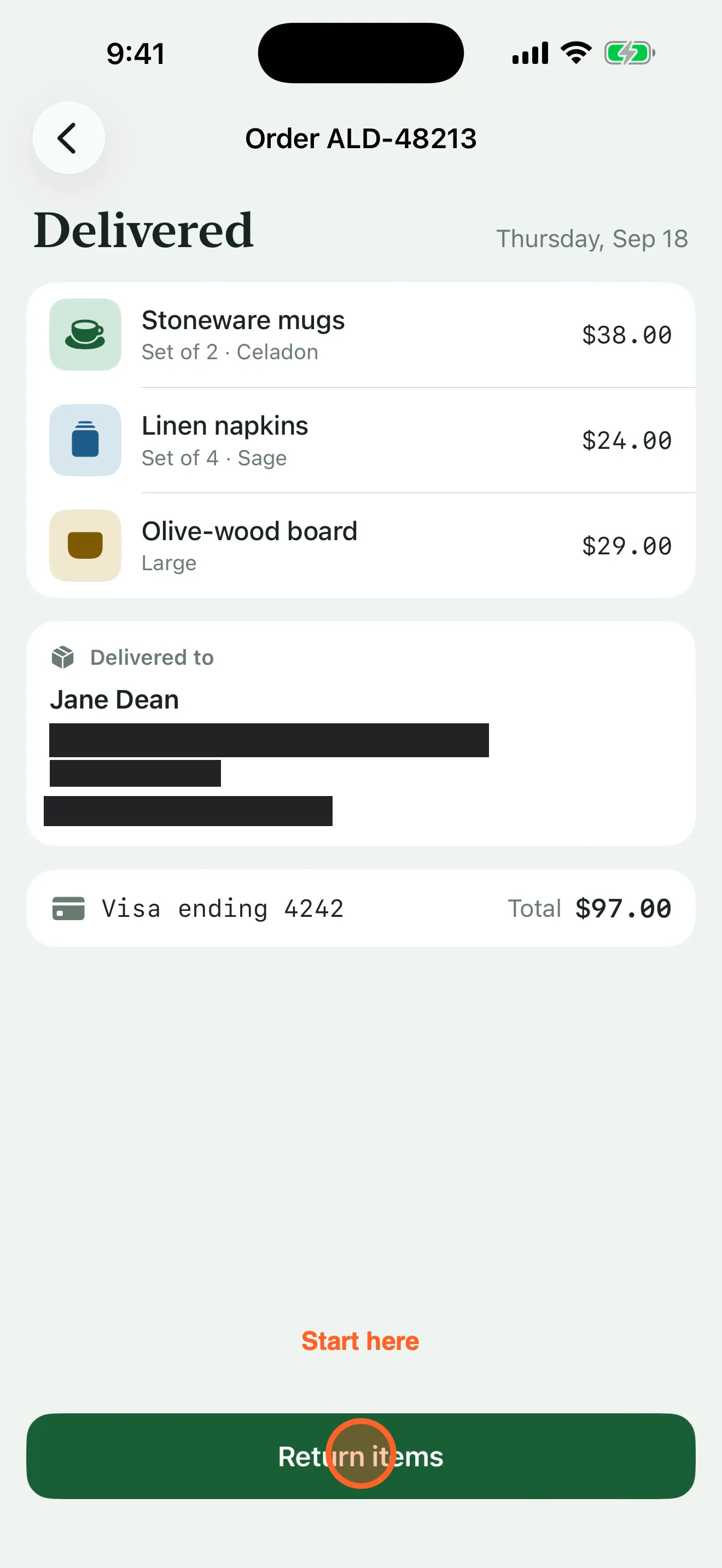
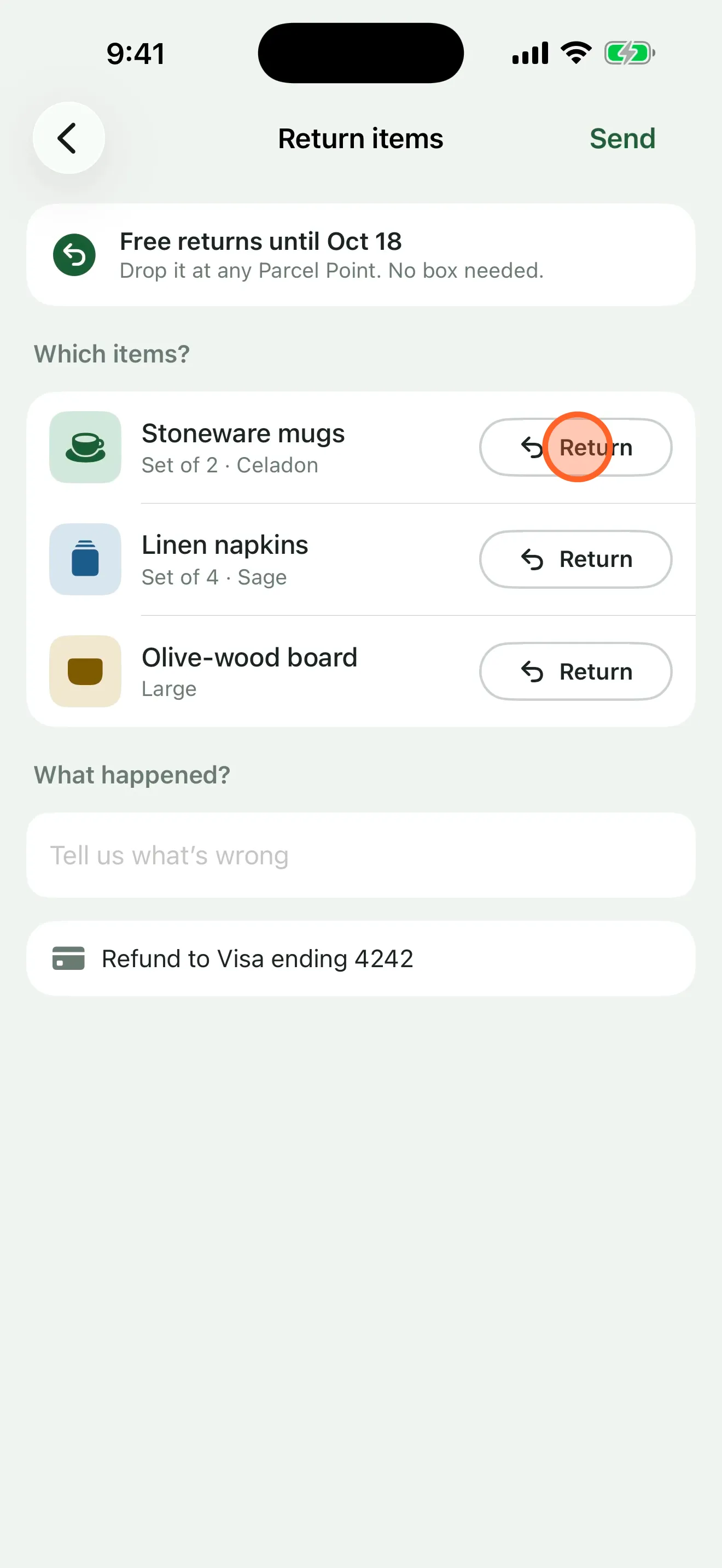
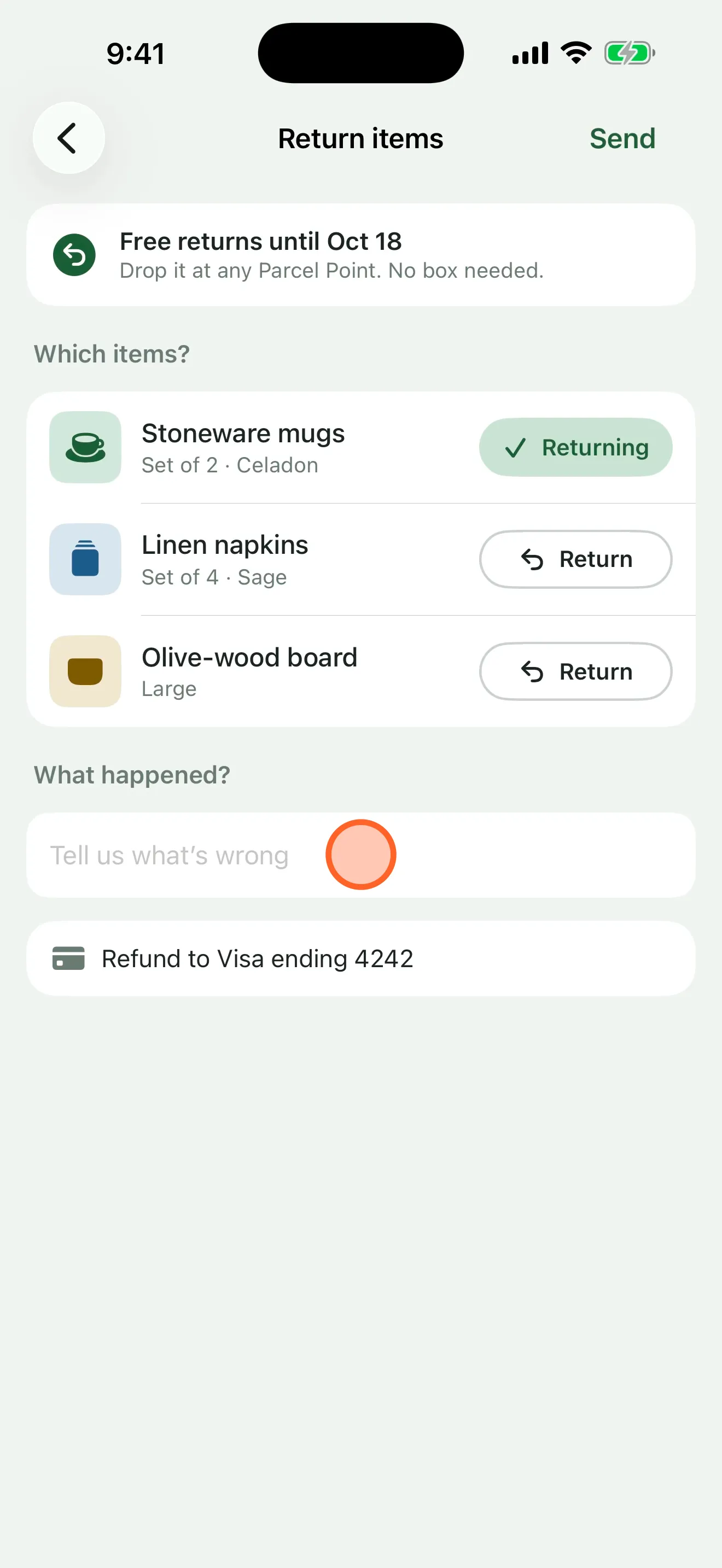
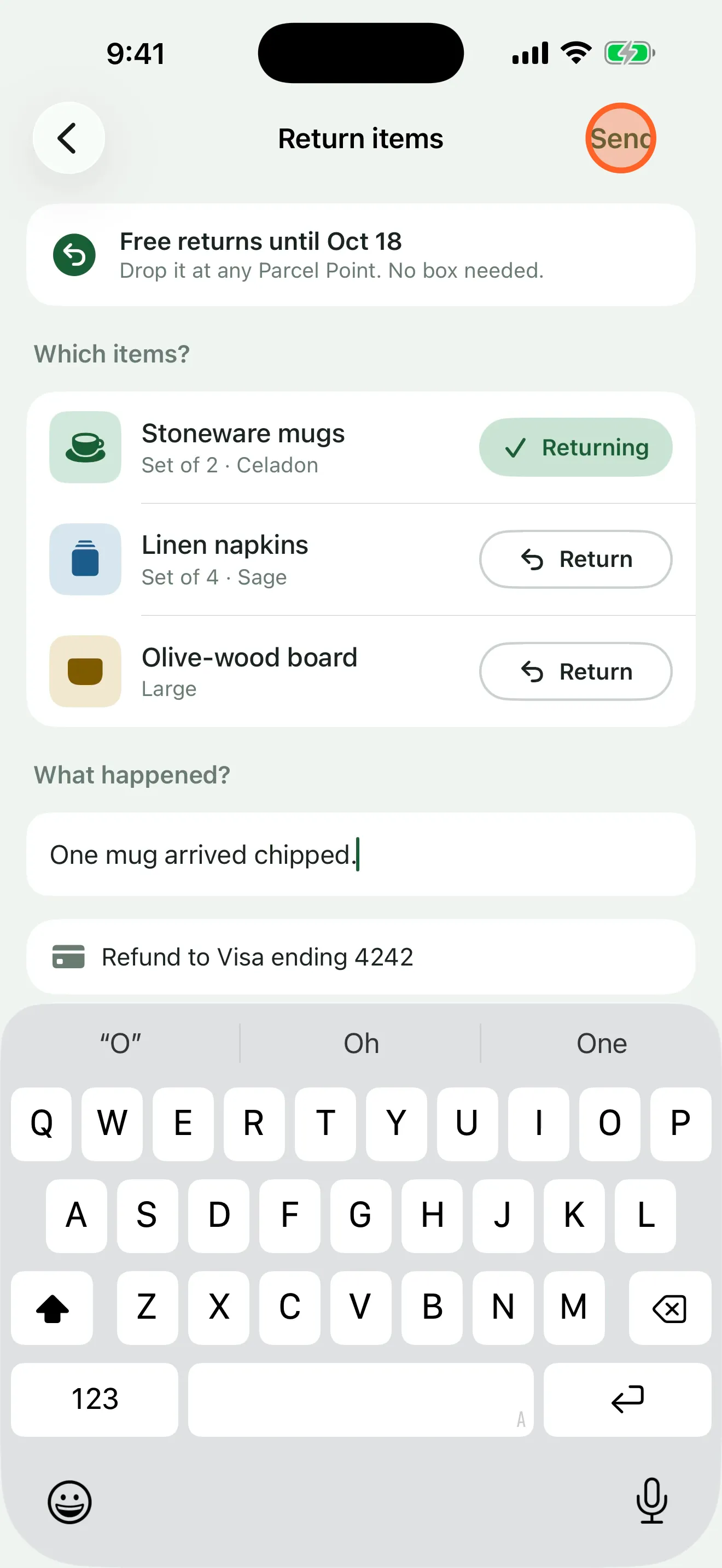
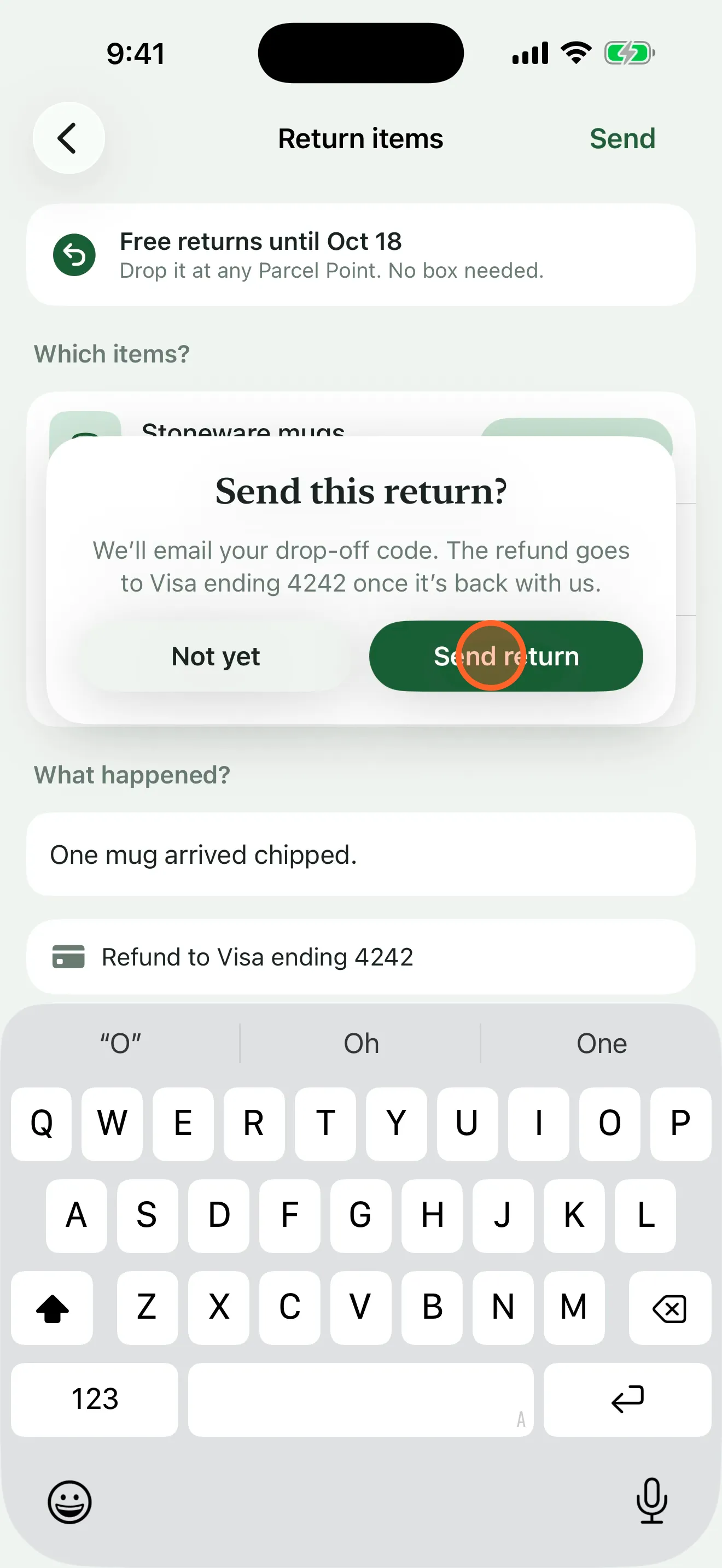
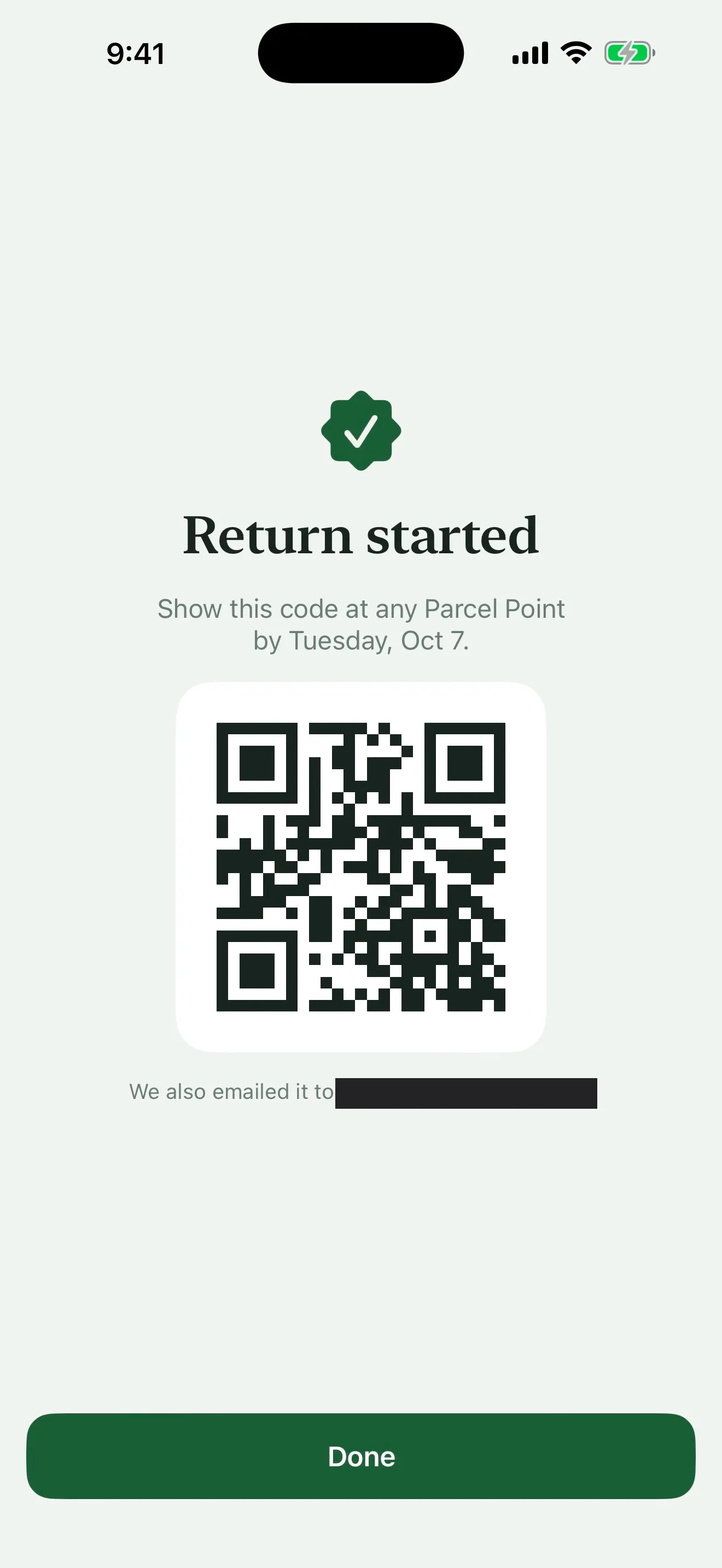
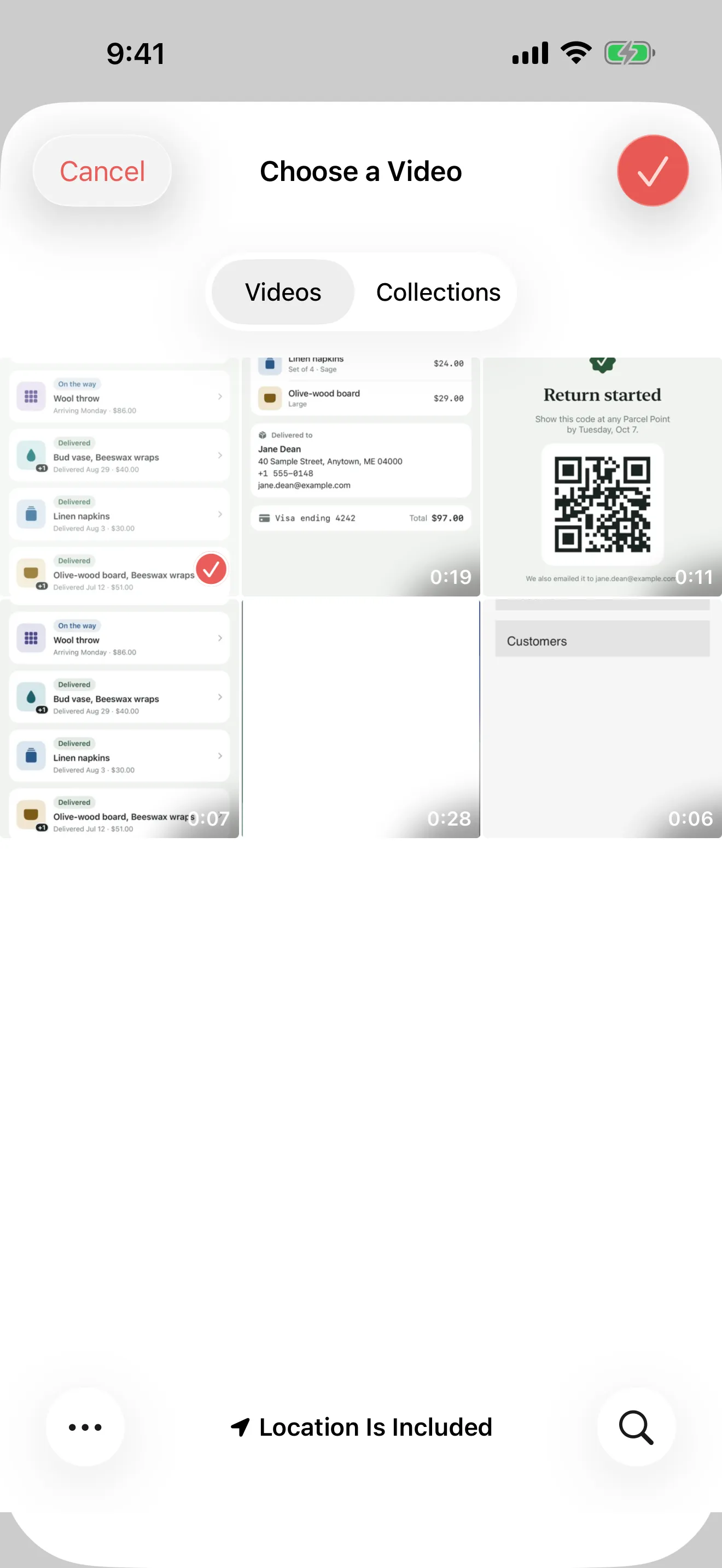
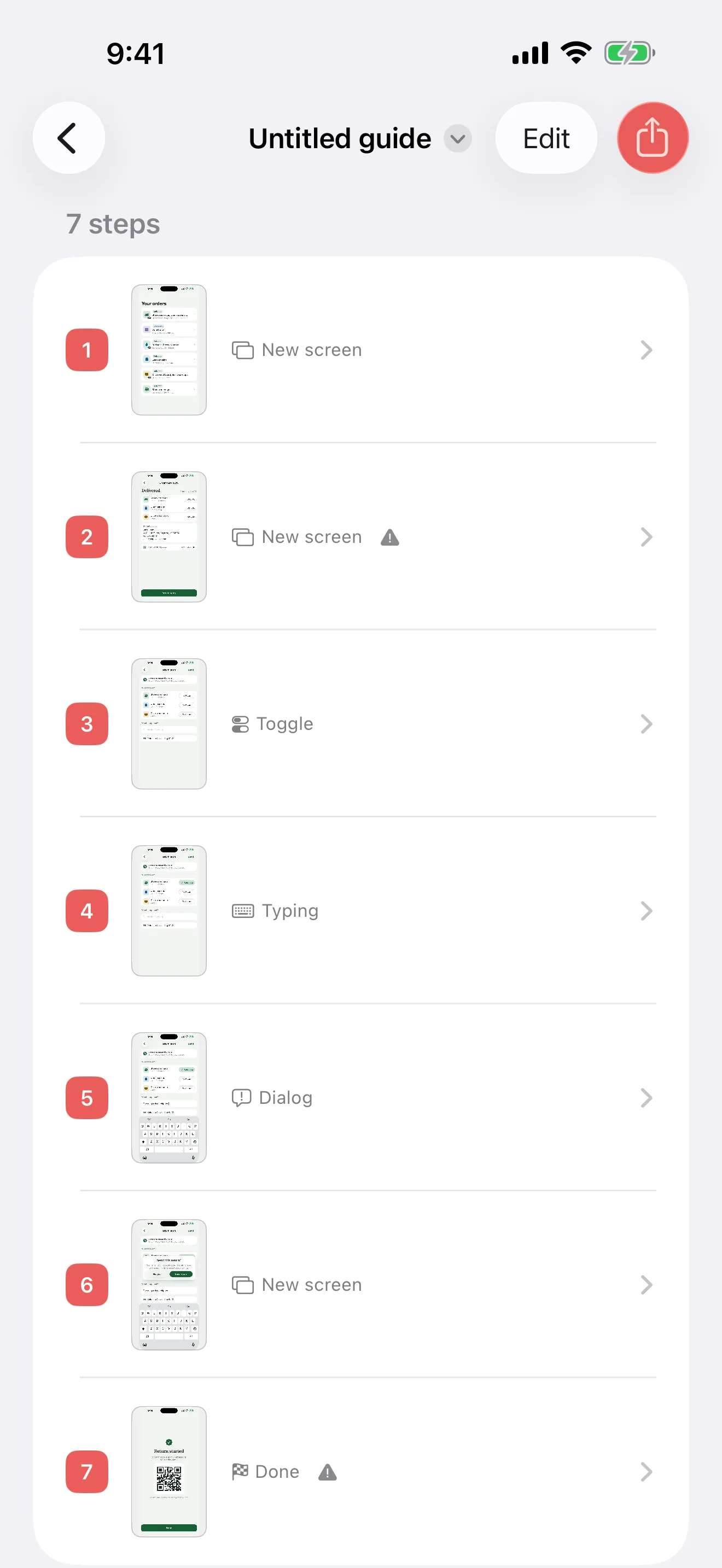
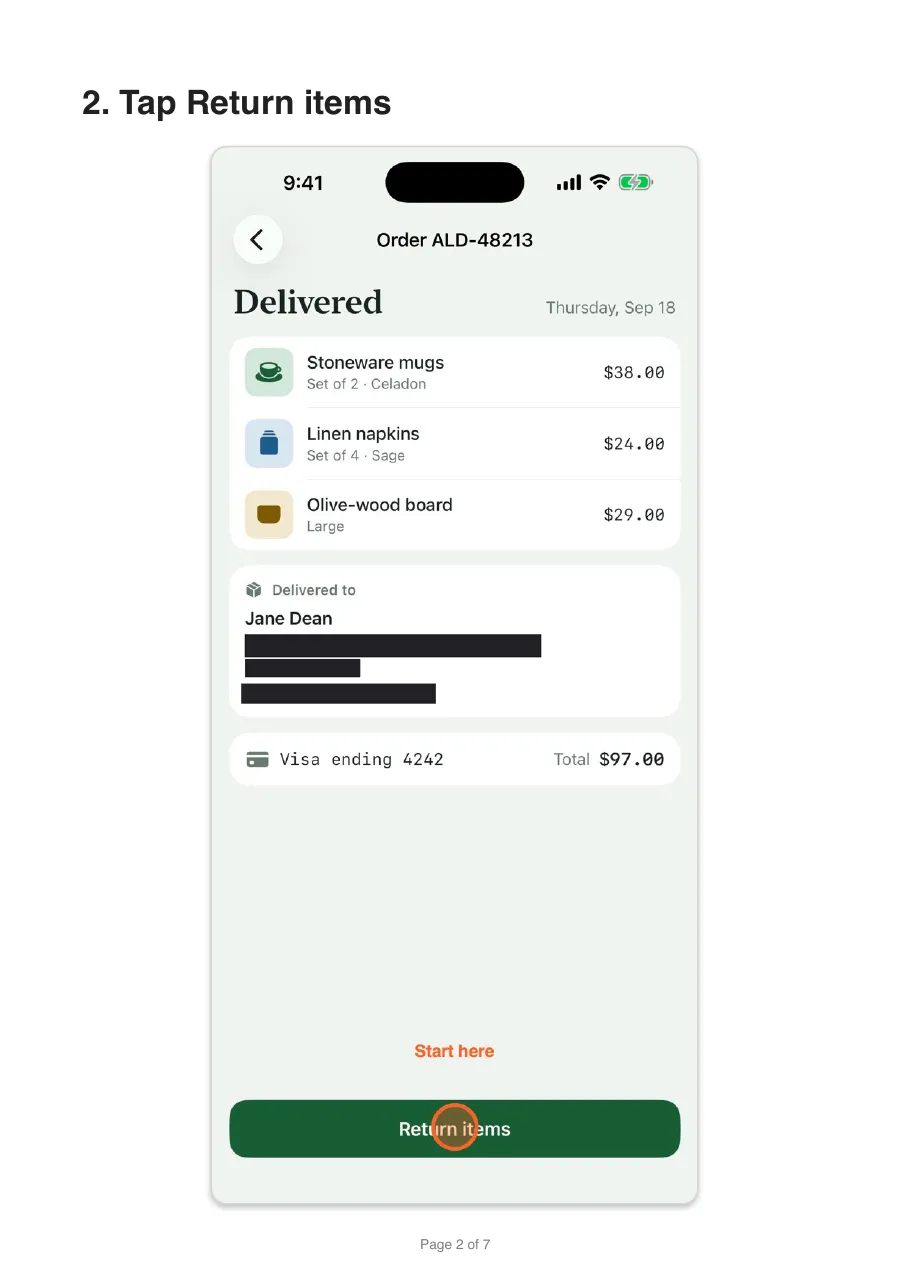
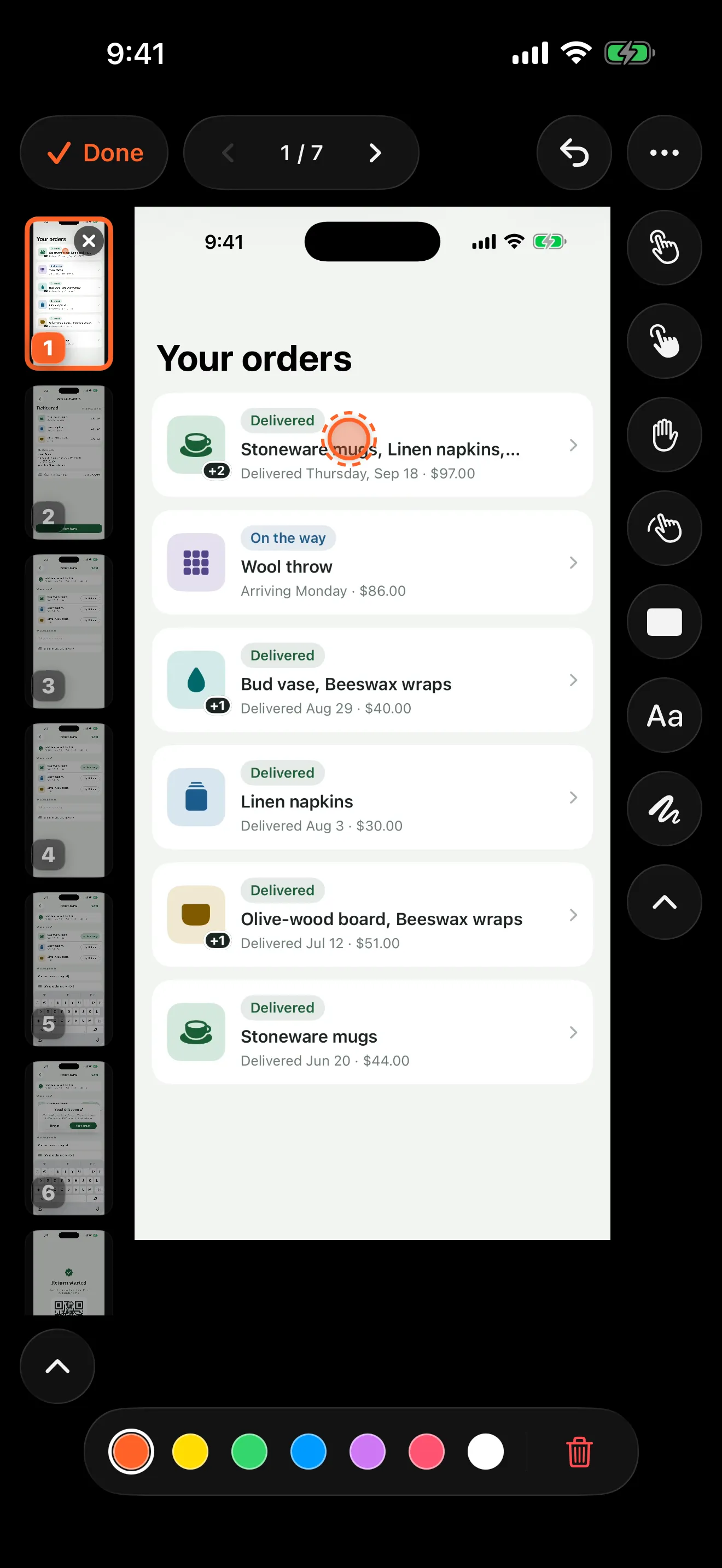
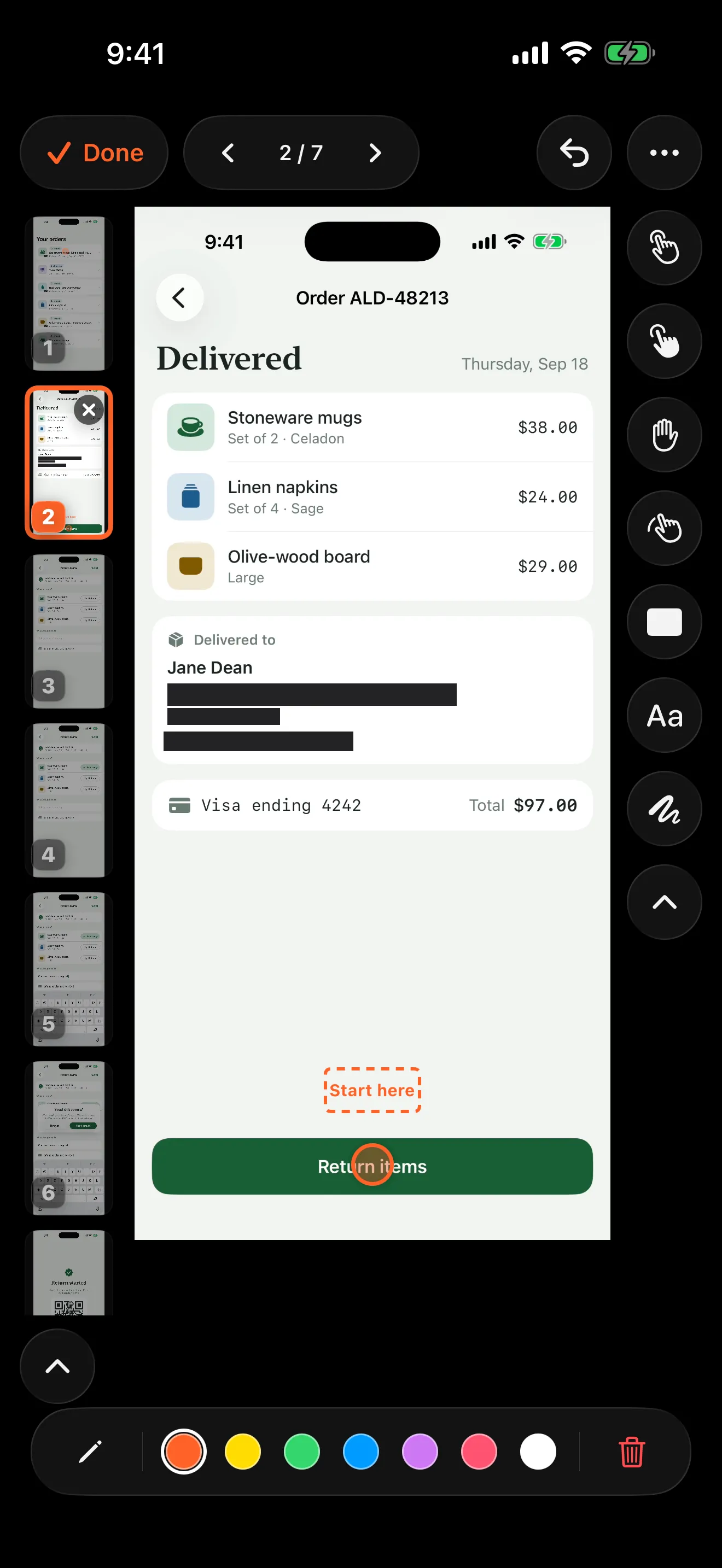
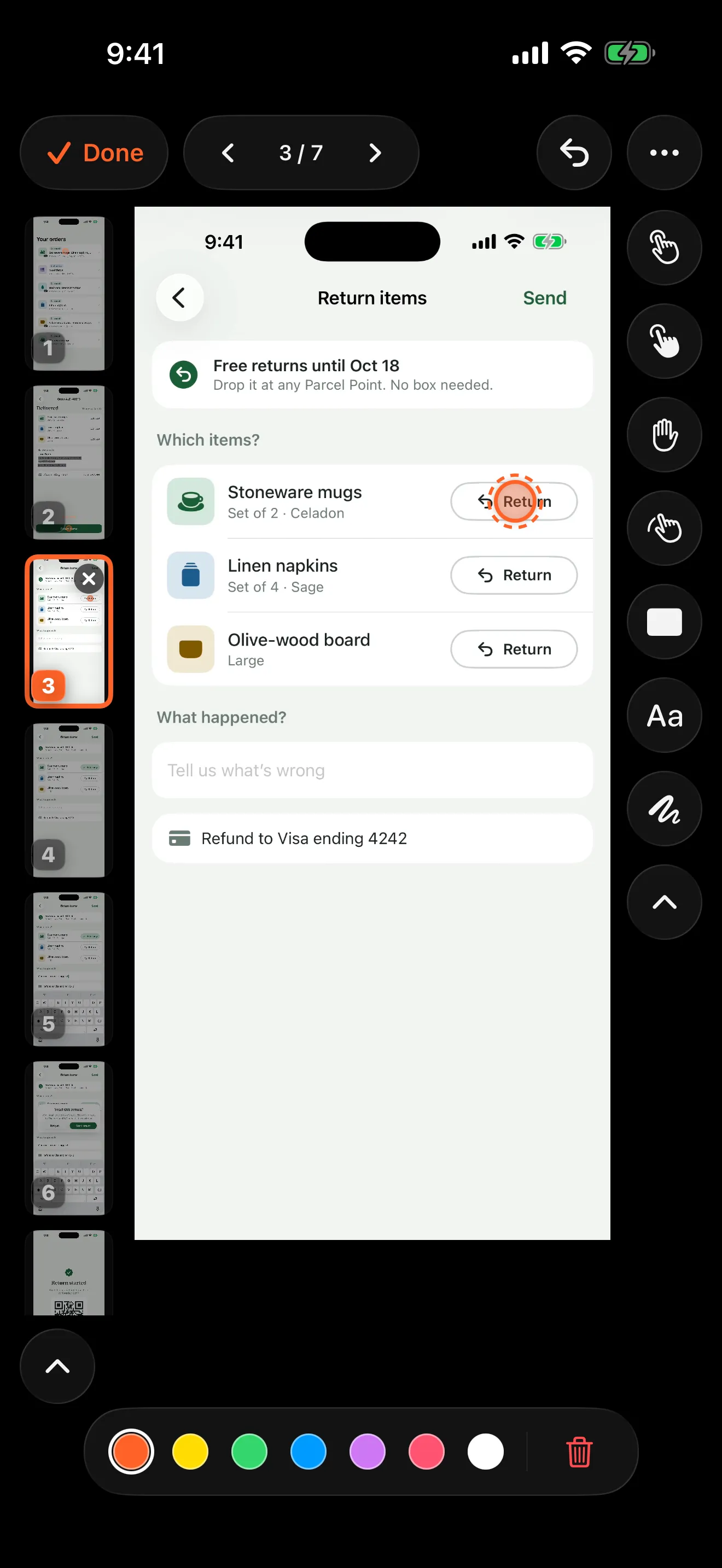
Yes. Pick a set of screenshots and each one becomes a step, numbered in the order you picked them. There is no step detection on that route, because the order you pick is the split, but Walkthru still reads each picture for private details to offer to cover. Everything after import is the same: captions, markers, text labels, redactions, crops and every export format, including video. You can also add screenshots to a recorded guide later, or replace any step’s picture from Photos.
When would I use screenshots rather than a recording?
When a recording is not something you can go back and make. A support agent works from the stills a customer sent; a designer works from exported mockups; plenty of flows were only ever captured as screenshots. If you can still record the flow, record it — Walkthru then finds the step boundaries for you, and the video export can use the real footage.
Does Walkthru write the step captions for me?
No, and that is deliberate. Walkthru decides where the steps are and what kind of action each one is, because both are measurable from the pixels. It does not guess at the wording. A plausible but wrong caption costs more to notice and correct than an empty one costs to write, so imported steps arrive untitled.
What does Walkthru cost?
The download is free, with every format and no cap on steps or guides. The free tier allows three exports a day, each with a watermark. Pro removes both: $9.99 once, or $2.99 for a seven-day pass.
Does the seven-day pass renew automatically?
No. It is a non-renewing purchase, so it simply ends after seven days and never charges you again. Buy another when you need one; they stack.
Can Walkthru record other apps?
Yes. It captures the whole device screen, other apps and the Home Screen included, using the system broadcast picker — so iOS shows the recording indicator the entire time. You can also record with Control Center first and import the file afterwards.
What can I export?
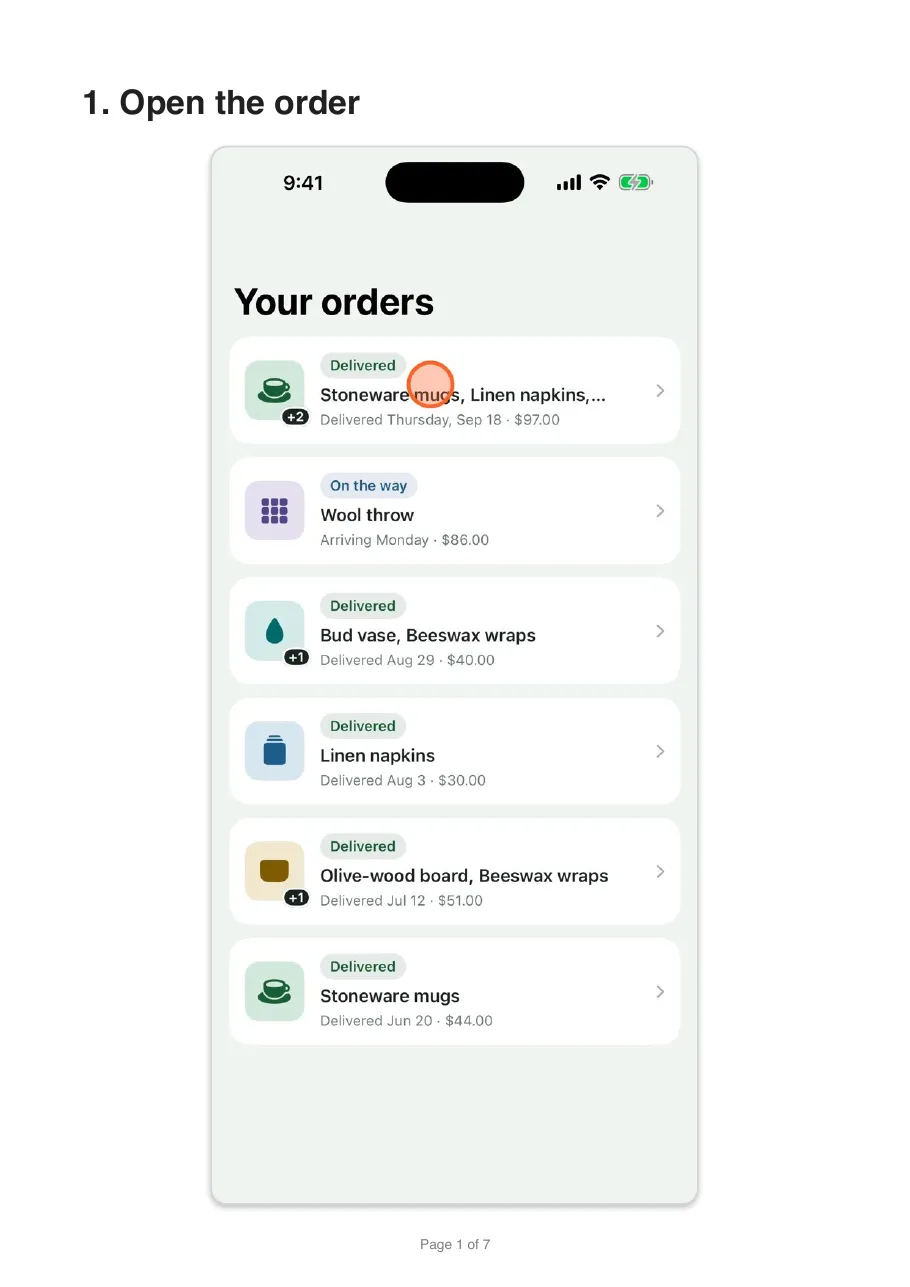
A PDF in one of three layouts, a Markdown bundle with relative image references, a sequence of annotated PNGs, or an MP4 video of the guide with the markers landing in time. Every format works whichever way the guide was built: with a recording behind it the video cuts to the real footage, and with only screenshots it holds each step on its picture while the markers animate over it. Markers, crops and redactions are baked into every file, not stored as removable overlays.
Does Walkthru need an internet connection?
No. There is no account to sign in to and no server to reach, so nothing in the app uses the network. Step detection, text reading, redaction and export all work with Airplane Mode on. The only network activity is Apple’s: processing a purchase, or Photos downloading a recording that is stored only in iCloud.
Is there a Mac, Android or web version?
No. Walkthru is an iOS app for iPhone and iPad, and there is no web version because there is no server — processing happens on the device. For desktop flows, the browser-based tools cover that side; on the Mac, StepGrab does local, on-device guides. Walkthru is the one that does it on the phone.
Does it work on iPad?
Yes. Walkthru is a universal app for iPhone and iPad. On iPad the guide library sits in a sidebar and the editor lays out the steps, the picture and the tools side by side. You can place markers with Apple Pencil, drag a recording onto the library to import it, and use keyboard shortcuts. It requires iOS 26 or iPadOS 26.